Student information system
The foundation every other module builds on
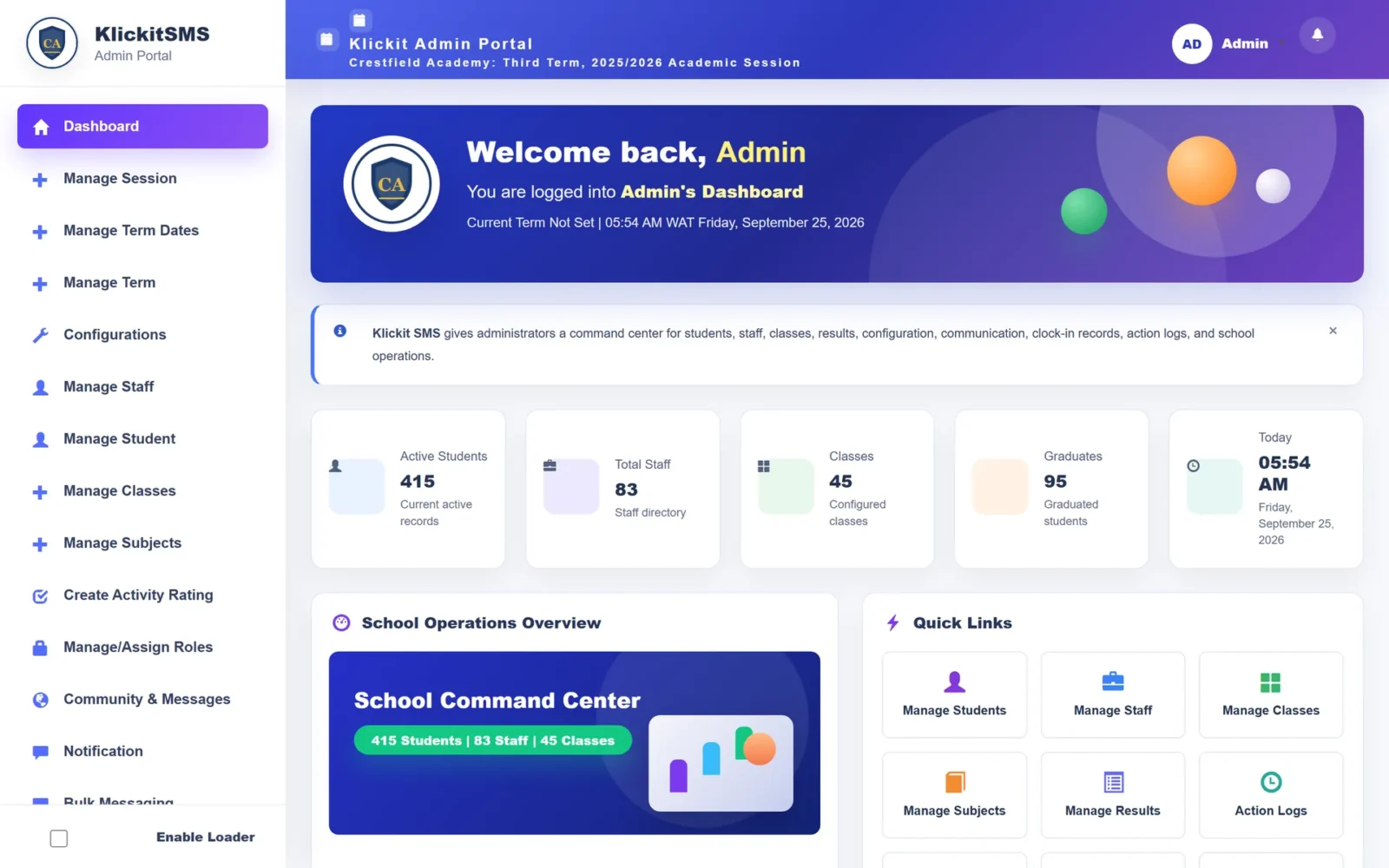
Sessions, terms, classes, subjects, staff and student records — set up once and shared by every part of KlickitSMS.
AdministratorsRegistrarsPrincipals
The problem
What gets in the way today
- Student lists that differ between the office, the bursary and the classroom
- Promotions done by hand at the end of every session
- Subject allocations kept on a whiteboard
With KlickitSMS
What changes
- One student record used by every office
- Promotion and graduation handled in the system
- Subjects and teachers assigned once and reused
Capabilities
Everything included in School Administration
Sessions and terms
Academic sessions, three terms, term dates and configurations.
Classes, arms and sections
Classes organised into arms and school sections.
Subjects and teachers
Subjects per class and subject teachers assigned.
Student records
Profiles with class history, guardians and status.
Staff records
Staff profiles and system roles.
Promotion and graduation
Promote classes and graduate students at the end of a session.
Timetables
Academic and exam timetables.
Roles and permissions
Assign roles such as form master, HOD, account officer and HR.
Connected
Works hand in hand with
Because every module shares one record, School Administration feeds and is fed by the rest of the platform.
Questions
Frequently asked
Do we have to re-enter students every session?
No. Students are promoted from session to session, and graduates are kept on record.
See School Administration in action
Book a guided demo and we’ll walk through school administration using a school structure like yours.