Attendance you can actually trust
Staff and students clock in and out from the portal, with photo capture and a location check against your campus. Leaders see who arrived early, on time or late — every day.
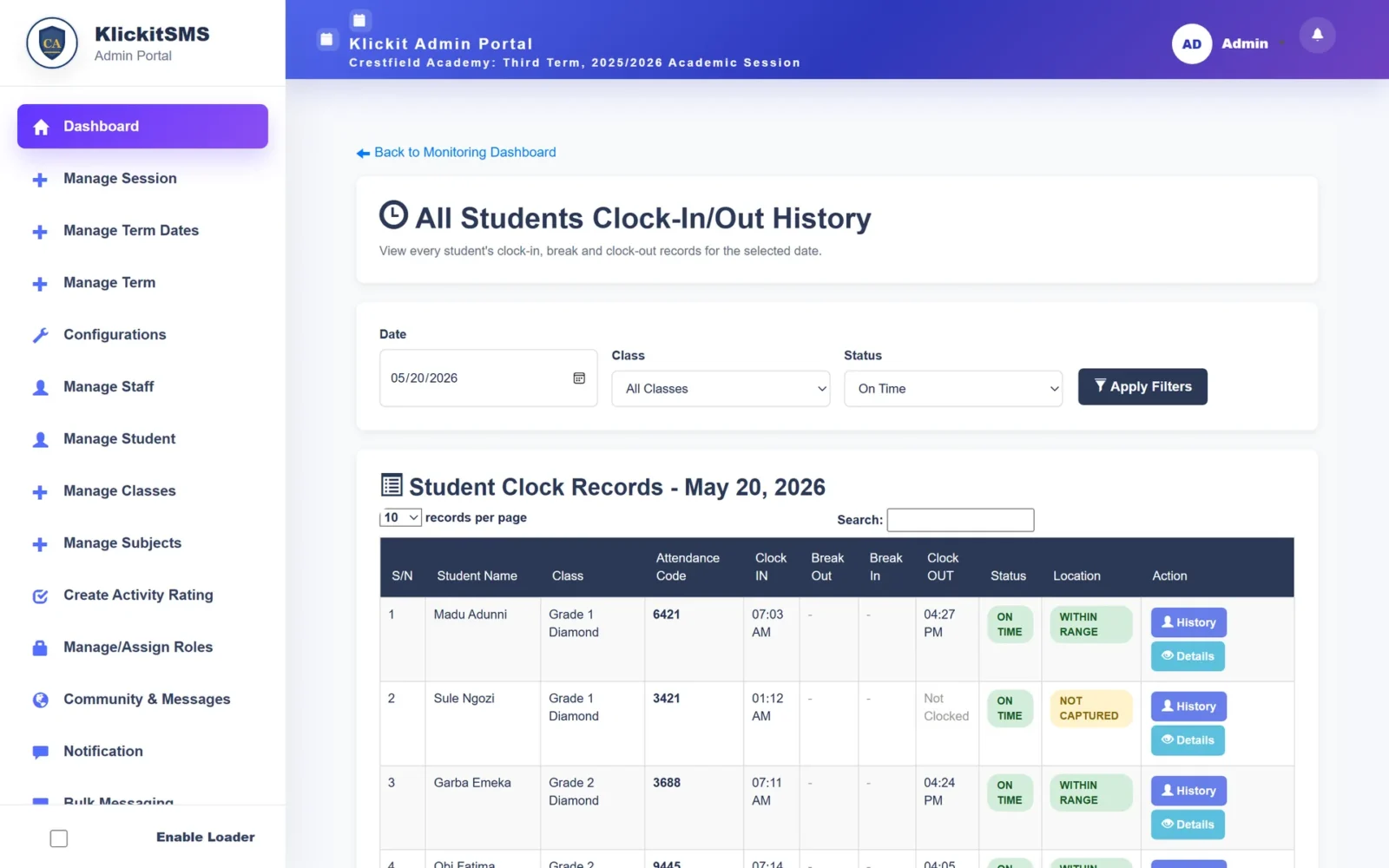
What gets in the way today
- Paper registers that are easy to fill in after the fact
- No reliable record of when staff actually arrive
- Late arrivals noticed only when a class is left unattended
- Attendance figures missing from report cards
What changes
- Time-stamped clock-in and clock-out for staff and students
- Photo capture and a location check against your school
- Early, on-time, late and very-late status calculated automatically
- Daily monitoring and full history for HR and leadership
Everything included in Attendance & Clock-in
Clock-in and clock-out
Staff and students record arrival and departure, including breaks.
Photo capture
Take a photo at the moment of clocking in.
Location check
Confirm the clock-in happened within range of your campus.
Arrival status
Early, on time, late and very late — based on your school’s times.
Clock settings
Configure start times and thresholds for your school.
Monitoring dashboard
Daily summary of who has clocked in, by class and status.
History and records
Full clock-in history per student or staff member, filterable by date and class.
Role timetables
Timetables for staff roles alongside attendance.
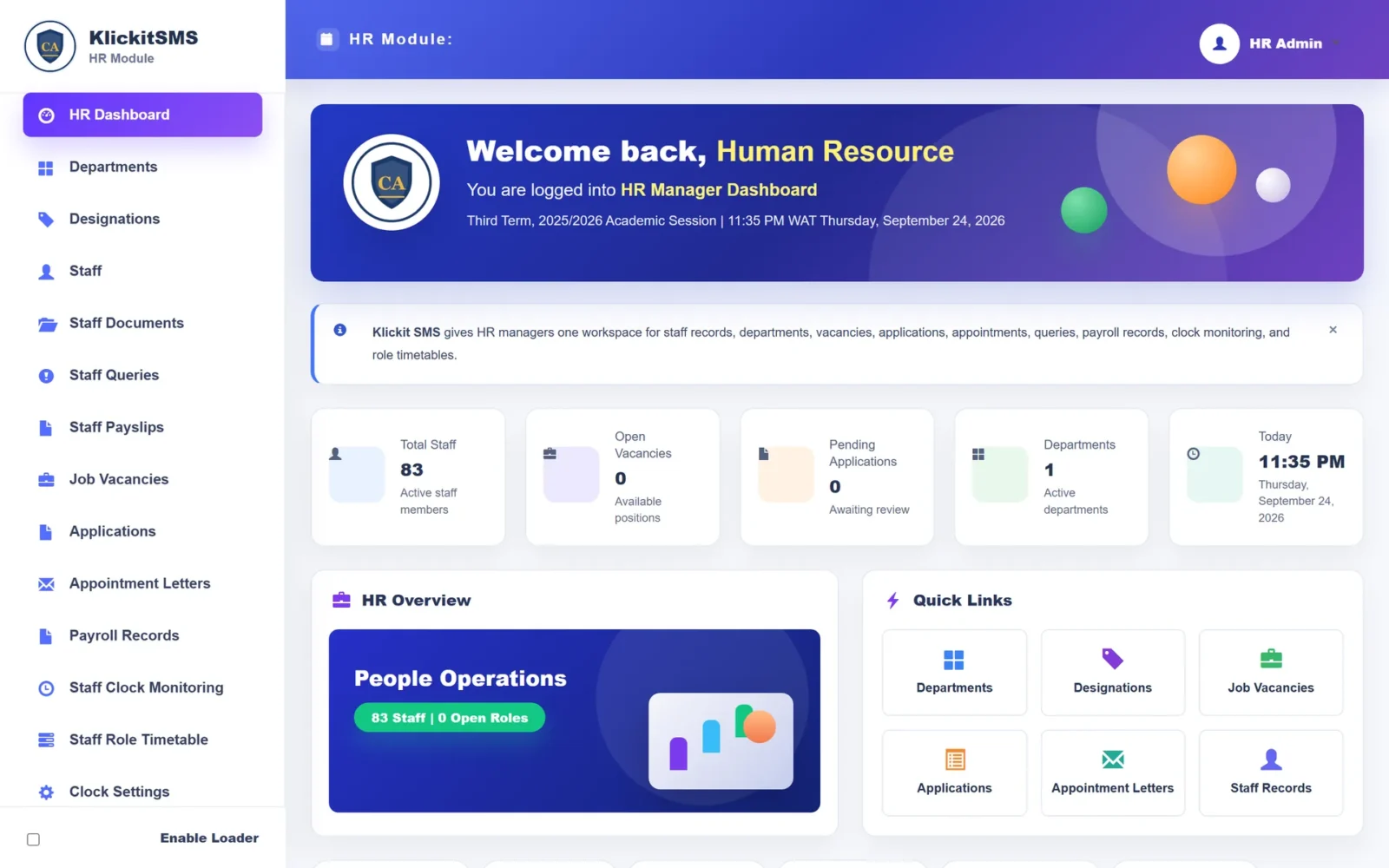
HR sees attendance next to everything else about staff
Clock monitoring, role timetables, payroll and staff records live together in the HR workspace.
Works hand in hand with
Because every module shares one record, Attendance & Clock-in feeds and is fed by the rest of the platform.
Frequently asked
How do you know someone clocked in at school?
Can we set our own resumption time?
See Attendance & Clock-in in action
Book a guided demo and we’ll walk through attendance & clock-in using a school structure like yours.